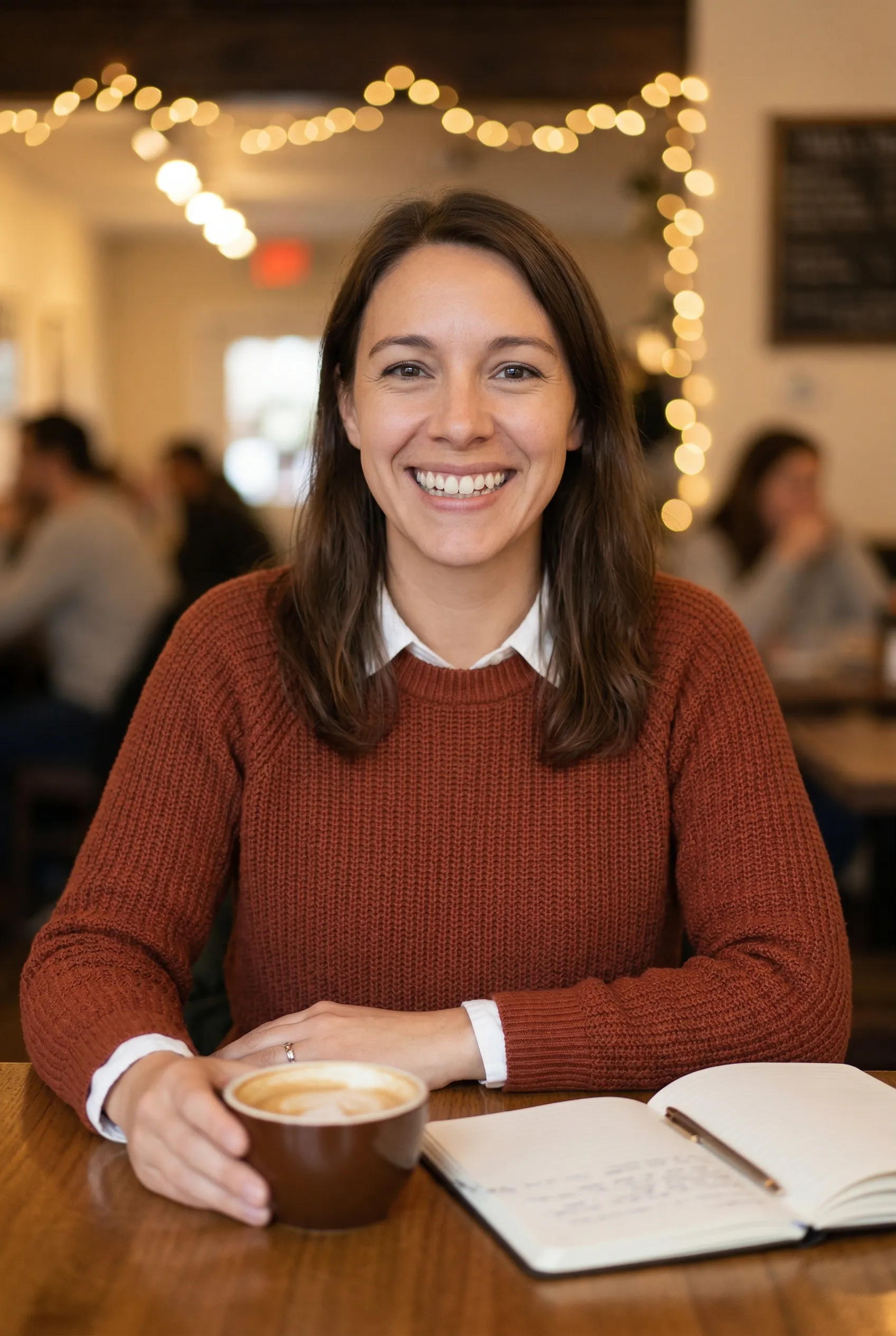
Coffee Shop Knit
Warm knitwear for creator, founder, and lifestyle brand content.
AI clothing try on lets you change outfits from one source image in minutes. Use our AI outfit changer and AI outfit generator to test casual, business, and premium looks without booking another shoot.
One upload • Multiple wardrobe options • Full-resolution downloads
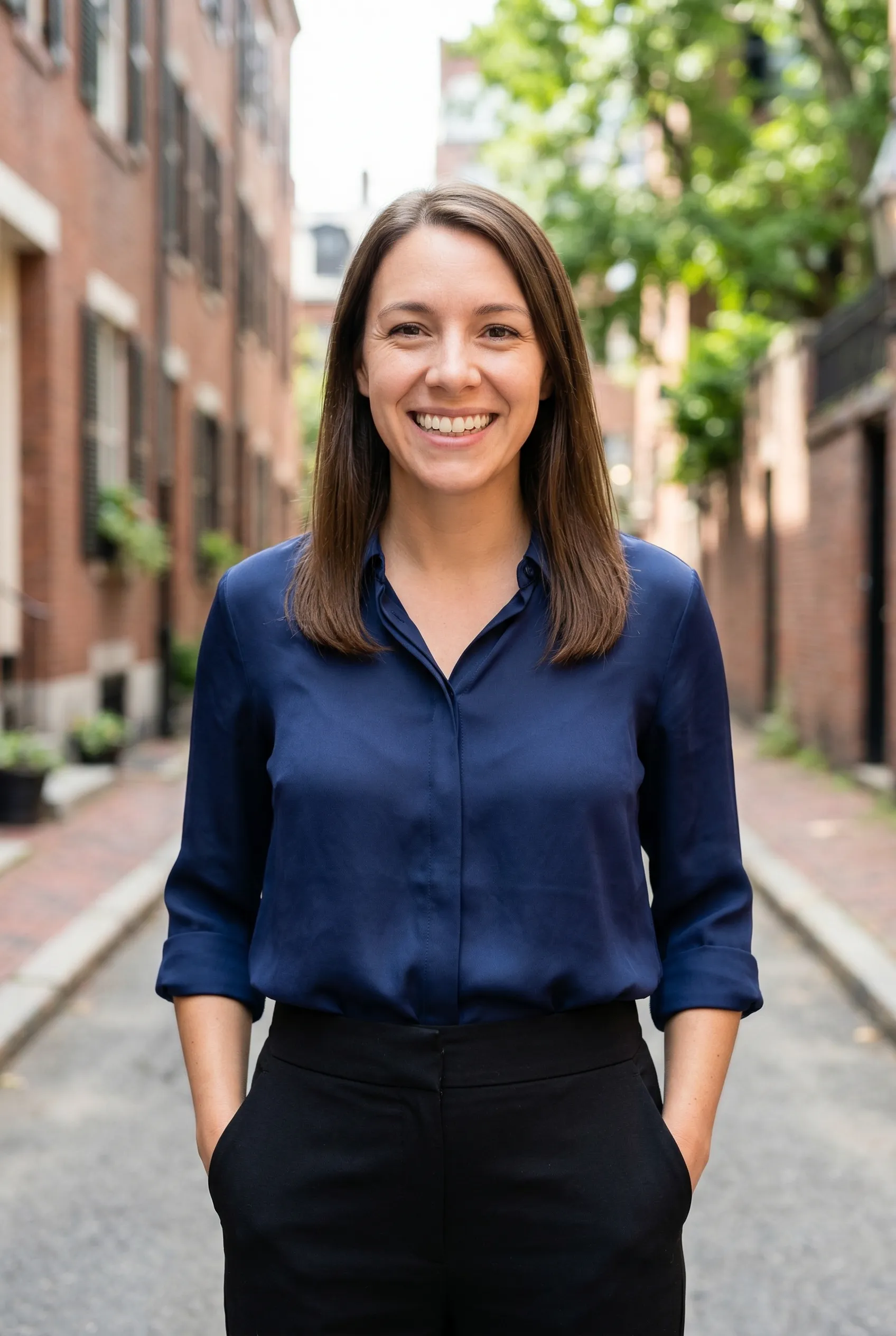
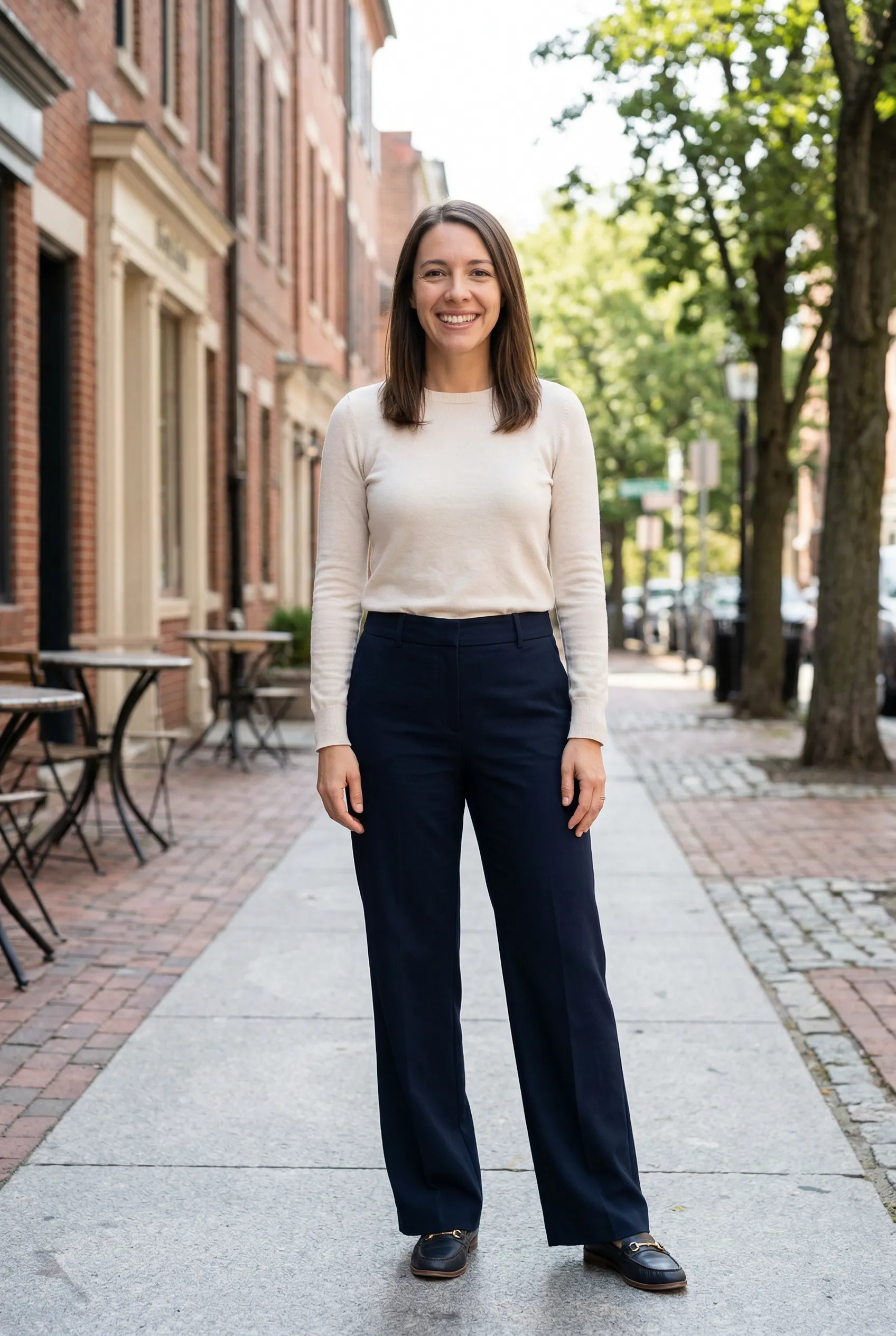
The examples below all start from the same woman and source photo. That is the core value of an AI clothing try on workflow: faster wardrobe exploration without losing subject consistency.
Warm knitwear for creator, founder, and lifestyle brand content.
Sharp everyday business styling from one original source photo.
Clean neutral styling for ecommerce mockups and polished profile imagery.

A polished office-ready look that feels modern and premium.
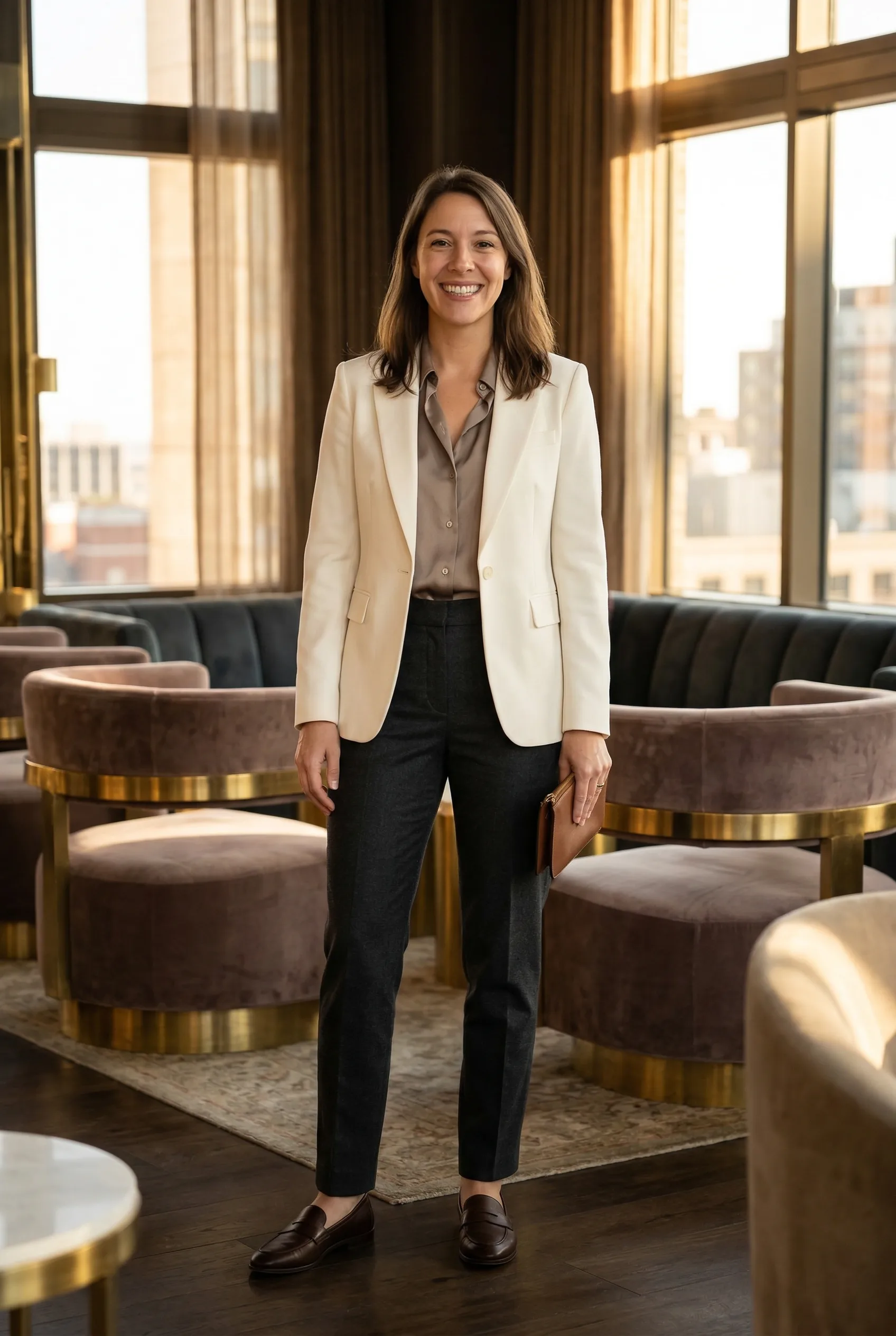
A refined dressier outfit for ads, landing pages, and luxury brand creative.
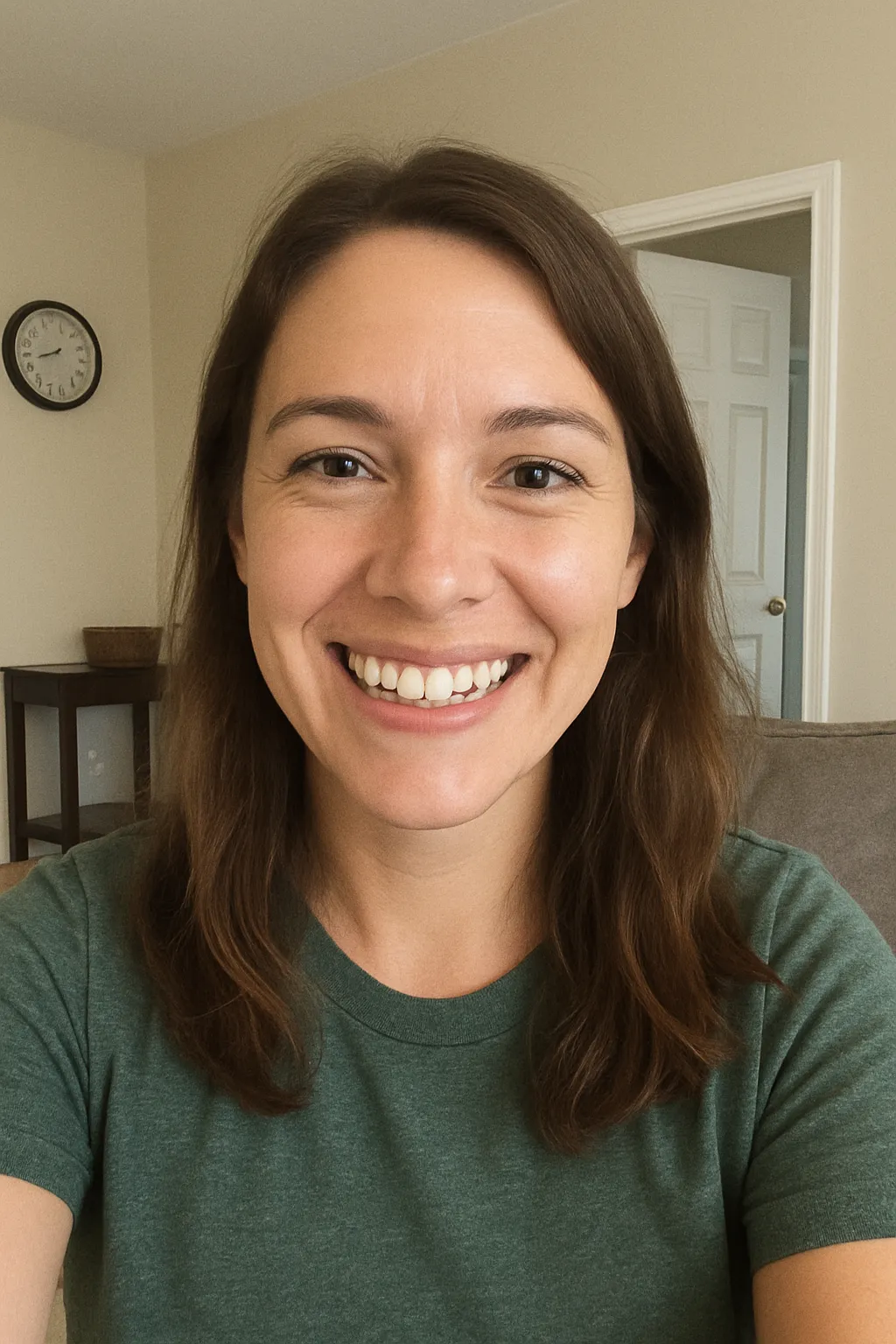
Most people searching for an AI outfit changer do not just want to swap a shirt color. They want a faster way to explore wardrobe direction, improve presentation, and create more than one usable image from the same person.
That is why this page focuses on photorealistic examples. An AI outfit generator should help you compare looks side by side, find the strongest option quickly, and move into publishing or testing without a reshoot.
Compare multiple outfit directions from one upload instead of coordinating multiple sessions.
Use AI to narrow outfit choices before you spend time on production, talent, or location costs.
A strong AI clothing try on workflow keeps the same subject recognizable while the wardrobe changes.
Turn a casual source photo into polished ad, landing page, or ecommerce imagery in minutes.
Better source photos create better outfit changes. If you want realistic AI clothing try on results, start with a clear face, natural posture, and enough framing to show the wardrobe direction you want to test.
A front-facing source image with clean lighting gives the AI more structure to preserve.
Specify the outfit, setting, and level of polish so the AI outfit changer has a clear target.
Generate several looks, review them side by side, and download the strongest version for your use case.
Short answers to the questions people usually ask before trying an AI outfit changer.
AI clothing try on uses one source photo to create realistic outfit changes while keeping the same person, face, and overall identity consistent.
An AI outfit changer focuses on swapping wardrobe and styling. GetProStudio also improves composition, lighting, and polish so the final image looks usable for real marketing and profile content.
Yes. You can start with one clear image and create several distinct wardrobe directions so you can compare casual, business, and premium looks without another shoot.
Use a clear, well-lit image with a visible face and natural posture. Front-facing photos and simple backgrounds give the AI the cleanest starting point for realistic outfit changes.
Yes. These images work well for landing pages, paid ads, product marketing, personal branding, and fast creative testing when you need the same person in multiple looks.
Upload one photo, generate multiple outfits, and keep the versions that actually look publishable.